Contents
👉 This guide was originally written for designers, from back when this lived on my DesignGuide° website. If you're not a designer, you're still welcome to read it if you're curious about the process I follow.
When I start building a website in Webflow, I don't start with a 'blank site':
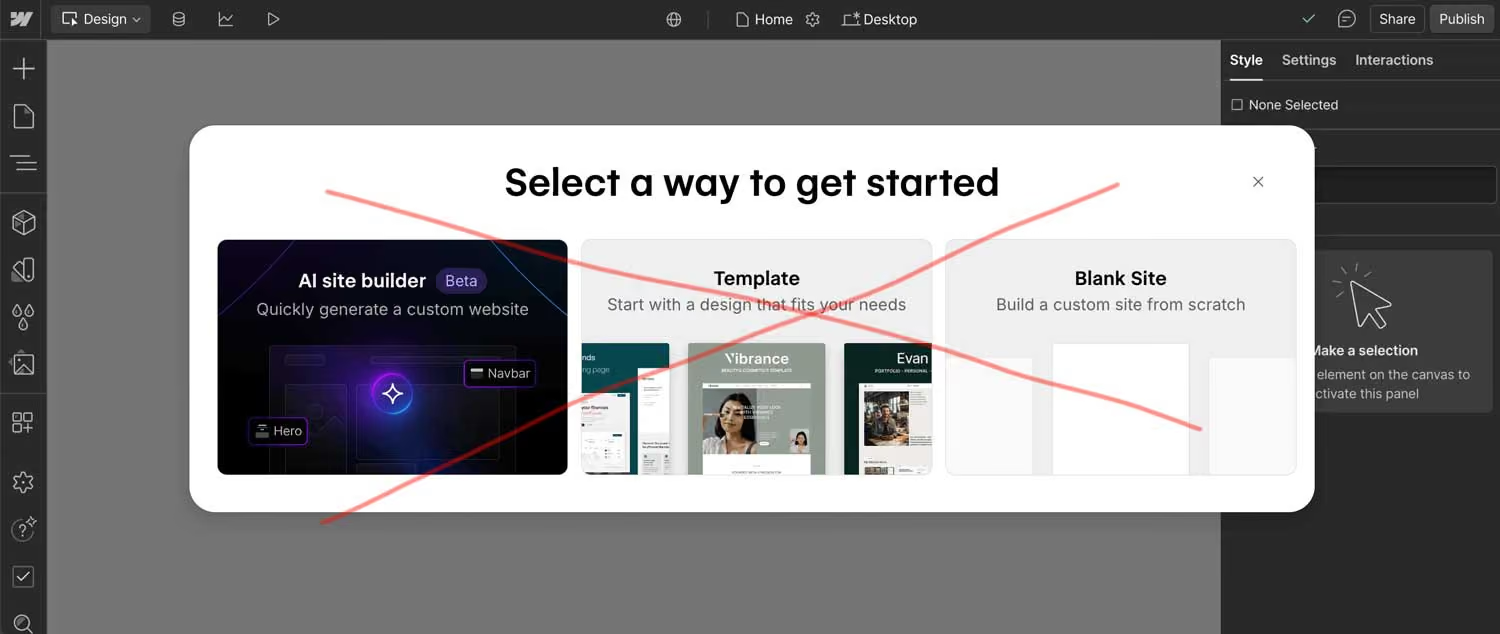
I used to – but after building a few projects, I realised I was setting up the same basic styles every single time. The same typography scales, the same spacing systems, the same button styles. I started wondering if there was a smarter way to work.
That's when I discovered 'style systems' (also called frameworks). These are basically starter projects that come pre-loaded with customisable base styles, so you don't have to rebuild everything from scratch for each new website.
Ever since I started using them, setting up new websites is literally hours faster. I'm starting each project on the right foot with momentum and speed, instead of spending time on repetitive setup tasks.
In this guide, I'll walk you through what style systems include, which ones are worth checking out, and how to get started with one.
What's in a Webflow style system?
A style system isn't a template filled with pre-made pages and sections. You still have complete design freedom to build whatever you've designed. Think of it more like a digital brand board or style guide – all the foundational styles are sorted, and you use those building blocks to create your website.
Most style systems give you three main things: classes, components, and strategies.
The classes
Classes are where the magic happens. Instead of creating a new class every time you need to set a style, style systems come with pre-built classes that already have the styling attached.
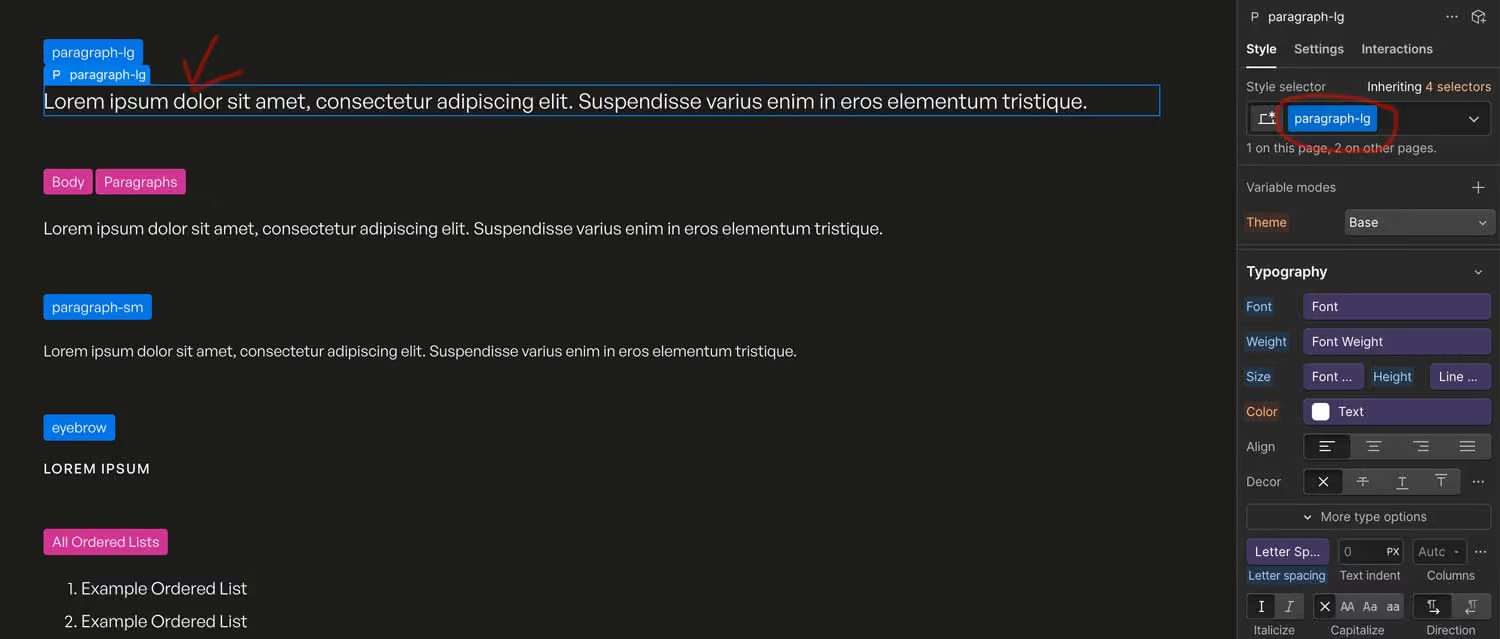
For example, instead of creating 'intro-paragraph', an 'about-large-paragraph', and a 'services-large-text' separately, you can have one reusable 'paragraph-lg' class that you can apply anywhere. When you want to change the size or line-height of the text, you update it once and it changes everywhere.
The components
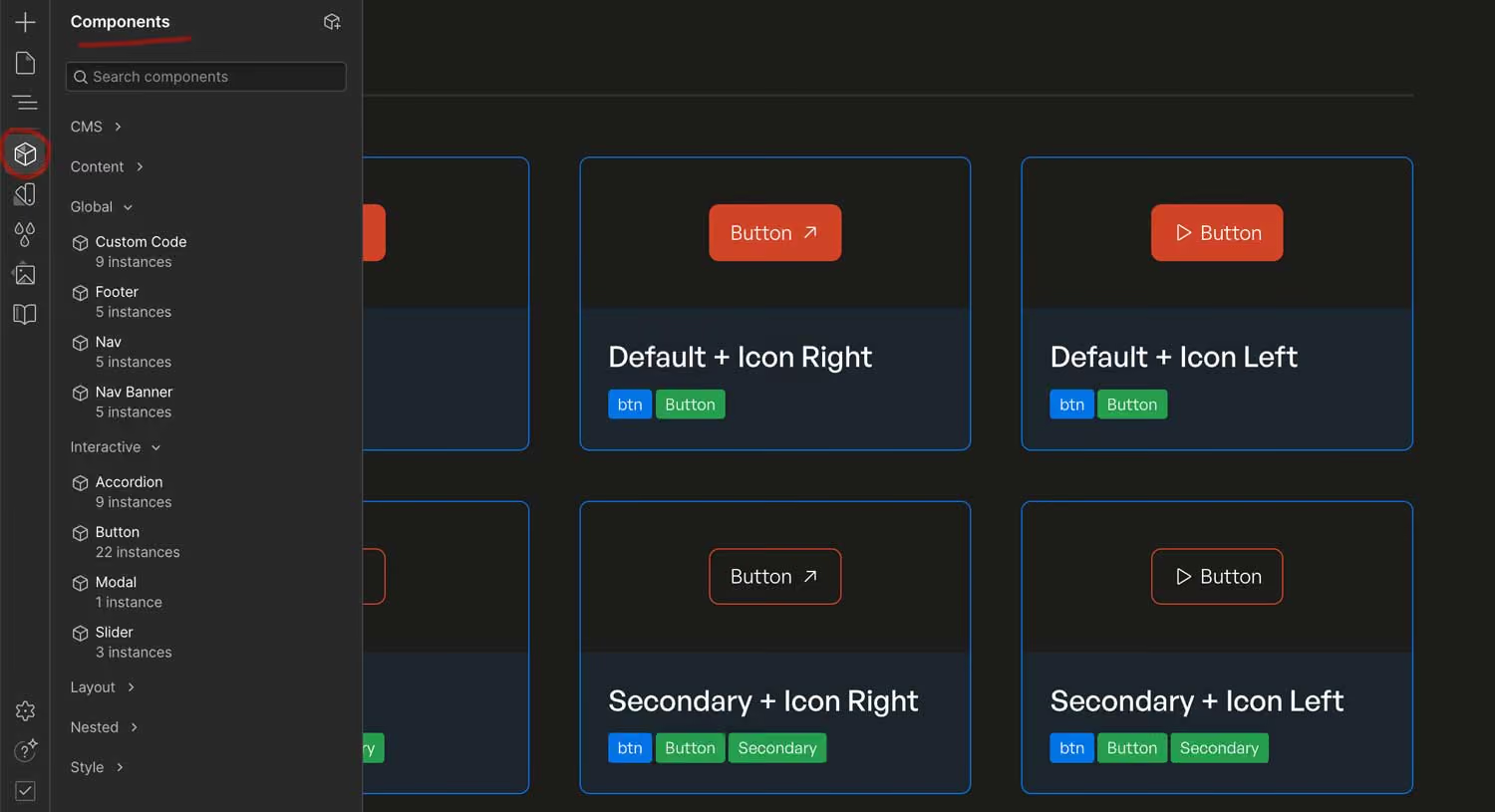
Different style systems include different pre-built components. You might get navigation bars, footers, cards, buttons, forms, or icon sets – all already styled and ready to drop into your pages.
Since Webflow's component system lets you easily customise these elements, having them pre-built saves you tons of setup time.
The strategies
Here's where style systems really shine – they come with class-naming strategies that make everything more organised.
Having a solid naming system:
- Speeds up your workflow once you get familiar with it. You'll know exactly what to call things and won't waste time thinking up class names or wondering if a similar class already exists.
- Makes collaboration easier. If other designers jump on your project, they'll immediately understand how things are organised and named.
- Comes with documentation. Most style systems include clear guides explaining how everything works. This is gold when you need to hand off a project to a client or another designer.
Many Webflow agencies specifically look for people who know popular style systems. I've seen job listings where knowing a specific frameworks gives you a bit of an advantage when applying for the job.
What are the main Webflow style systems out there?
Here are the main style systems that most Webflow developers are using. Each has been created by individuals or agencies, and they all have different strengths. I've listed them alphabetically:
- Client-First by Finsweet
- Knockout by Edgar Allen
- Lumos by Timothy Ricks
- Mast by No-Code Supply Co
- Saddle by Creative Mules
There are others out there – including Small Medium Large, which I cover below – and some developers even create their own custom systems. While building your own system isn't wrong, I believe it's worth using something that's been tested by lots of people and has ongoing support and documentation.
The two style systems I've used (and what I learned)
Client-First by Finsweet
Client-First was my introduction to style systems in Webflow. It seemed like a natural choice since I was already using Finsweet's Attributes for adding functionality to my websites, and I liked that there were component libraries like Relume that I could use with it.
Learning Client-First taught me a lot – how to use REMs instead of pixels, how to name my classes, how to structure sections. It levelled up my Webflow skills overnight.
But after using it for a couple of years, I started looking for alternatives. The system requires a lot of nested divs that started feeling excessive. It also wasn't using Webflow's 'Variables' to its full advantage.
More importantly, even though it's called "Client-First," I found that clients and non-Webflow designers still found it confusing. Most of my clients don't actually mess with classes anyway – they just want to edit content, swap images, and make basic updates. So the 'client-friendly' aspect wasn't as valuable as I thought it might be.
Mast by No-Code Supply Co
After reading great things about Mast on Reddit (including discussions about Client-First feeling outdated), I decided to give it a try.
Wow. I thought Client-First was fast, but Mast is on another level. Here's what I love about it:
- The variable system is awesome. It makes the most of Webflow's 'Variables', which makes updating colours, spacing, and typography super quick and efficient for all responsive breakpoints.
- Great library of pre-built components. You get navigation, footer, accessibility-friendly forms, and other essentials ready to go.
- Clear, easy-to-follow documentation. Everything is explained well, so you can get up to speed quickly.
I'm still getting used to Mast's column system – it's a bit different from what I was doing before, but I'm slowly getting the hang of it.
Having experience with two different style systems has made me curious about what else is out there.
What I might try next
Small Medium Large by Marcel Deelen is the one I want to try next, and it's a bit different from the other systems in this guide. Instead of a naming strategy for stacking classes, it's a controlled component framework. You build layouts from structured components, variants and properties, with a set of pre-defined classes underneath that define how spacing, typography and breakpoints behave. Every layout follows the same hierarchy: sections contain rows, rows contain columns, and columns contain content. Marcel built it on ten years of Webflow experience, and it's very deliberate about what can and can't be changed.
What caught my attention is how it works with AI. Webflow has announced Source, a new platform where marketing teams and AI agents build together (it's in a limited research preview), and it's made me think a lot more about how agents will fit into the way I build. SML comes with a skill for Claude. You set it up once for a Webflow project, then give Claude an approved design and it builds it section by section using the components and properties that already exist in the project. It isn't writing code or guessing from a prompt – it's working inside the framework's constraints. I still do the design, and the system keeps the build consistent.
I haven't used it yet, so I can't say how well it works in practice. But it's the one I'm most curious about right now.
Seting up a new project with Mast
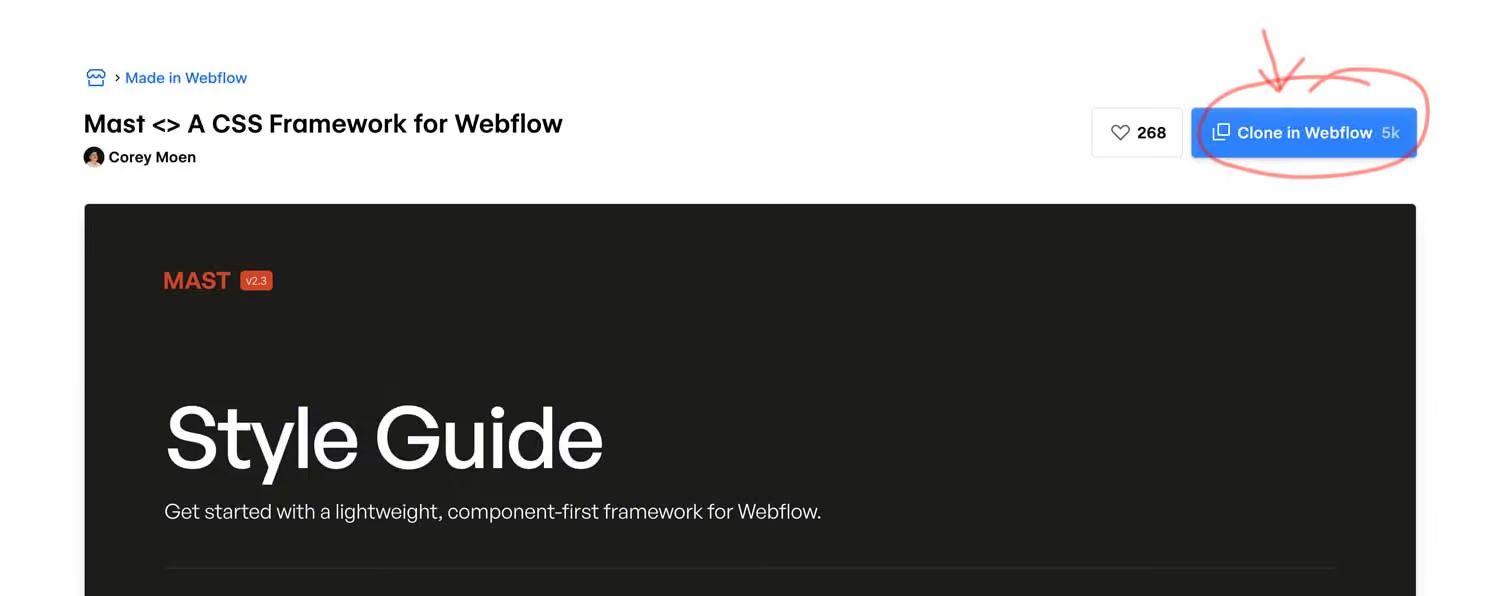
First, clone the Mast starter project from the Webflow cloneable page into your Webflow account:
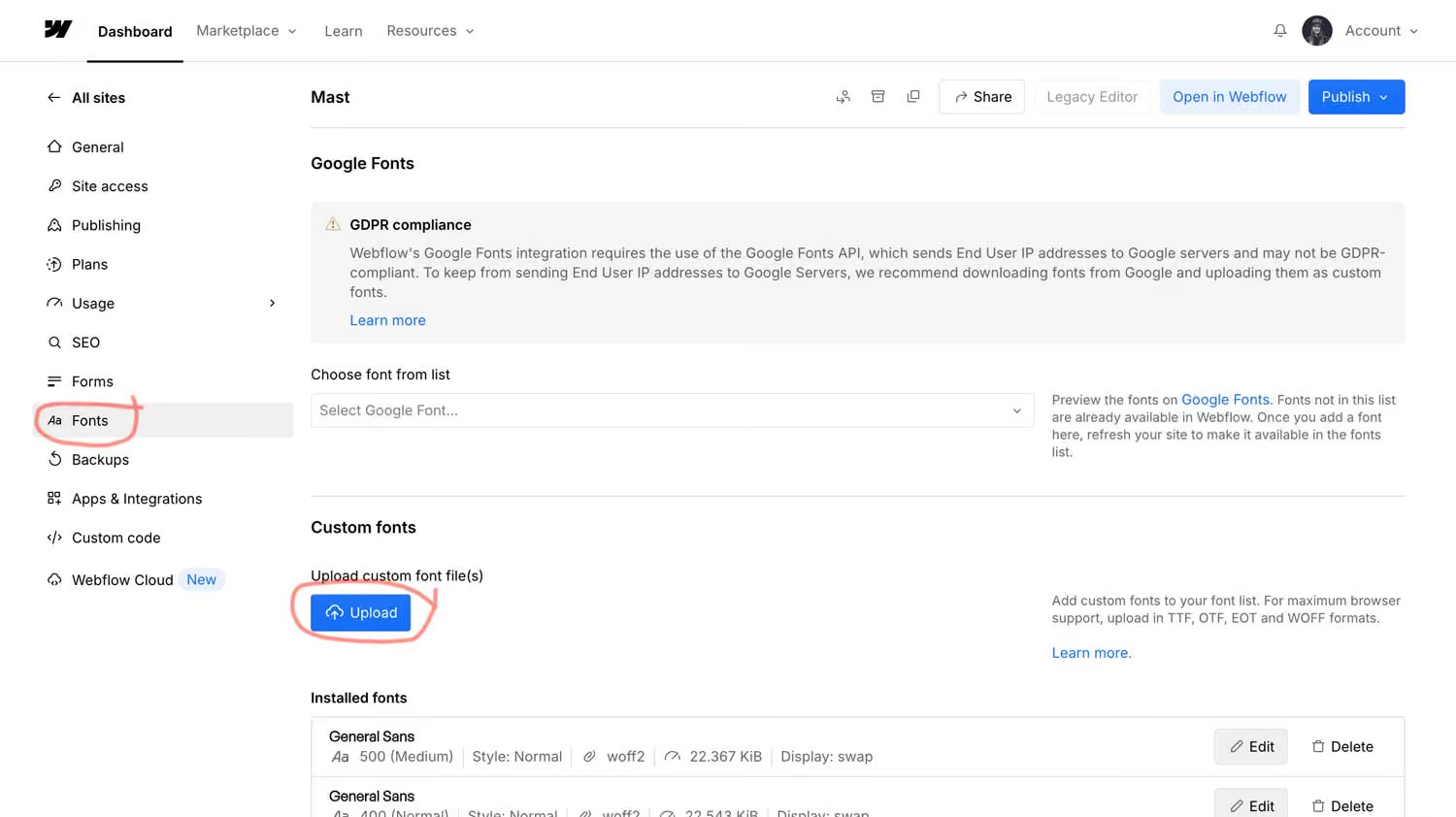
Next, go to your page settings and upload any custom fonts:
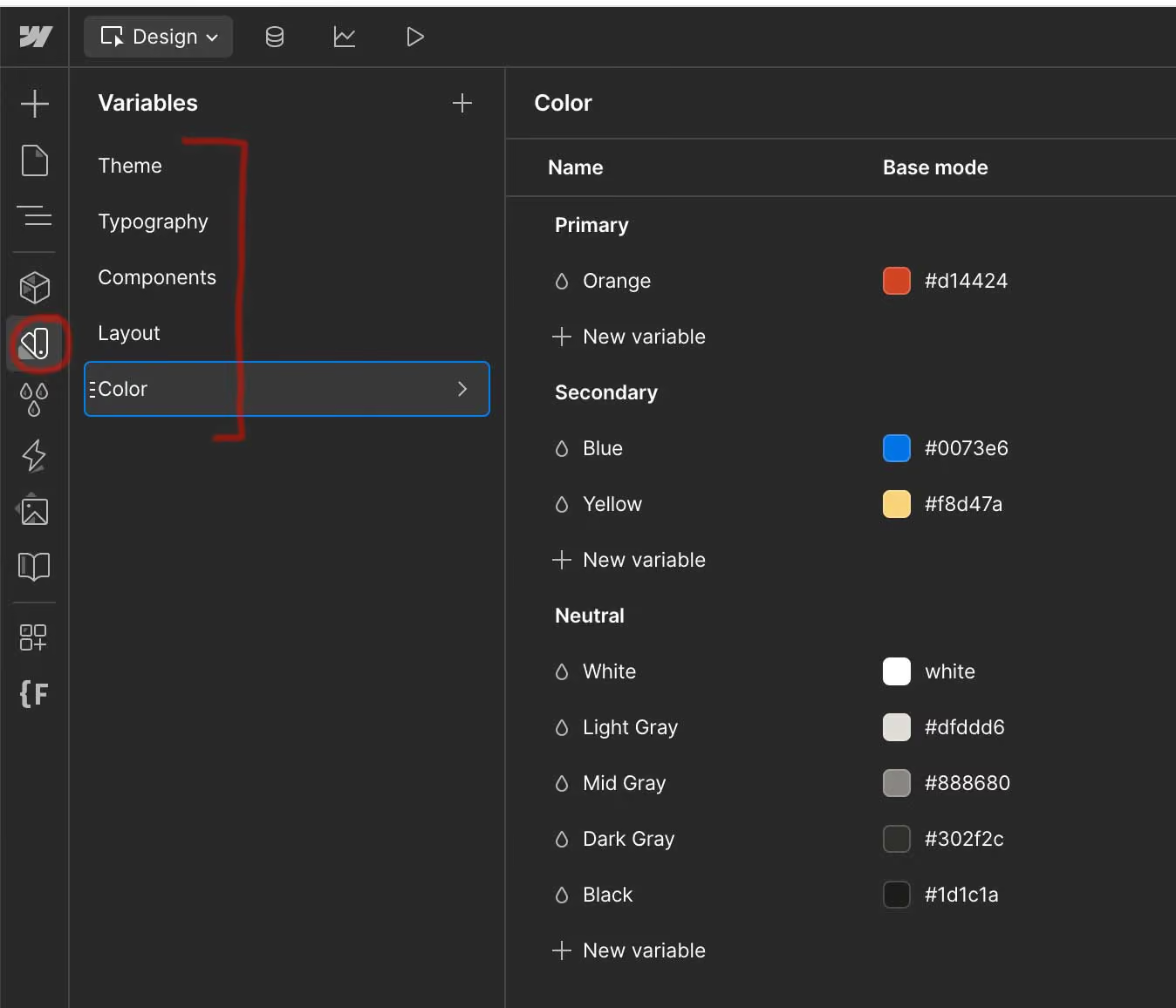
Now you can customise the project to the brand. Follow Mast's instructions to update the variables in Webflow's variables panel:
And update the classes in the styles and components pages:
The whole setup process that used to take me several hours now takes about 30-45 minutes, if that!
This is the setup I use today. If I move to a different system, I'll update this section.
Should you use a style system?
If you're building more than a couple of websites, absolutely yes. The time savings alone make it worth it, but you also get better organised code, more consistent designs, and easier handoffs.
The hardest part is picking which one to start with. My advice – start with whichever one makes the most sense to you. A quick read of the framework's docs should give you an idea of the methodology behind the system.
Don't overthink it – you can always switch systems later. The principles you learn from one will transfer to others, and having experience with any style system will make you a better, faster Webflow developer.